
Following the April 2026 firmware updates, both the KEYDIY KD-X4 and the CGDI K2 have added support for processing NCF29Ax series smart key chips. These chips are commonly found in many modern vehicles. While both tools can successfully complete the job, they use fundamentally different methods. This detailed comparison will help you decide which programmer best suits your workshop needs.
Overview of Methods: Chip Removal vs. Wire Connection
The primary difference between the two tools lies in their operational approach:
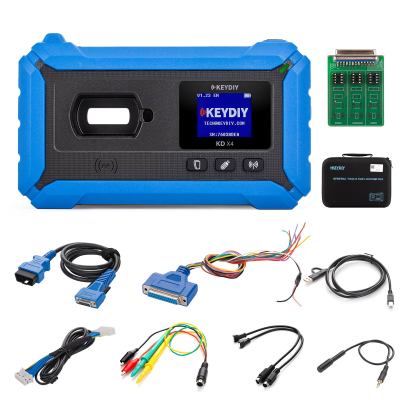
- KEYDIY KD-X4: Uses a chip removal and soldering method. You must physically remove the NCF29Ax chip from the original key circuit board, solder it to a special adapter (KEYDIY 13# Remote Chip Reading Adapter), read the data, and then write it to a KD ZB71 remote.
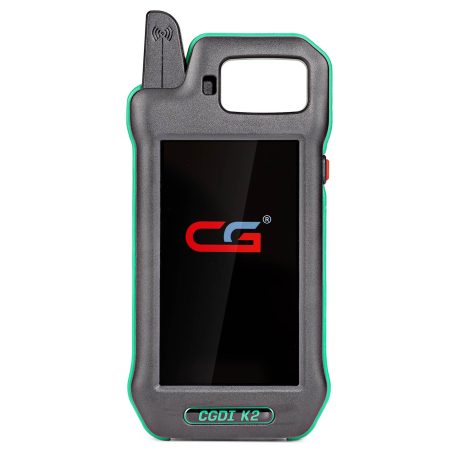
- CGDI K2: Uses a no-chip-removal (wire connection) method. You do not need to remove the chip. Instead, you follow a wiring diagram provided by the software to connect test leads (remote renew cable) directly to the original key’s circuit board to read the data.
Detailed Feature Comparison Table
| Feature | KEYDIY KD-X4 Key Programmer | CGDI K2 Key Programmer |
| Image |
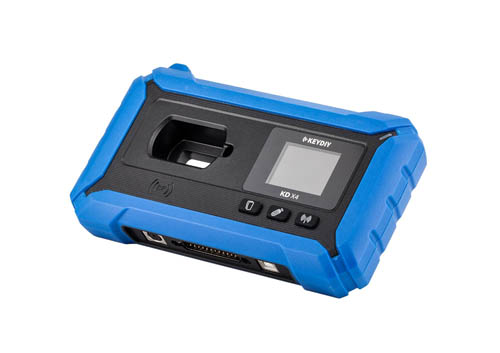
|
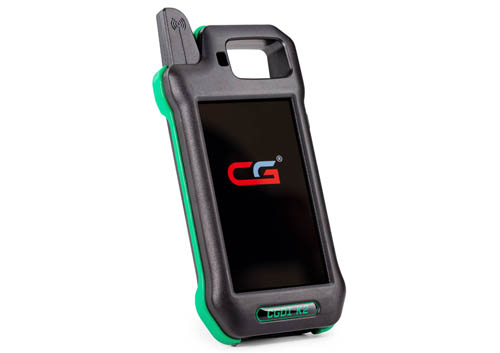
|
| Core Method | Chip Removal & Soldering | No-Chip-Removal (Wiring Connection) |
| Required Hardware/Software | KD #13 NCF29xx Adapter Board, Soldering Iron, KD ZB71 Remote; requires the latest KD APP version | Remote Renew Cable (included with K2), no special adapter needed; requires software version 5.8.0 or newer |
| Operation Difficulty | High (requires steady hands for soldering small chips) | Medium (requires careful wiring but no chip removal) |
| Risk Level | High (risk of damaging the original chip or PCB due to heat) | Low (no heat applied to the chip itself) |
| Target Remote | Must write data into a KD ZB71 smart remote | Can write to universal remotes or generate dealer keys depending on the model |
| Supported Chips | NCF29A1, NCF29A2, NCF29A3, NCF29A4, NCF2953, NCF2954 | NCF29A1, NCF2951, NCF2953, NCF295E, NCF2971 |
| Final Step | Key works directly on the car without further programming | Key works directly on the car without further programming |
| Cost to Start | Requires purchase of specific ZB71 remotes and adapter boards | Free update for existing CGDI K2 owners; uses standard cables |
Step-by-Step Workflow Comparison
Method 1: Using KEYDIY KD-X4 5-in-1 Key Programmer
The KD-X4 process is invasive but effective for those comfortable with micro-soldering.
1. Prepare the Chip: Carefully disassemble the original smart key and desolder the NCF29Ax chip from the PCB.
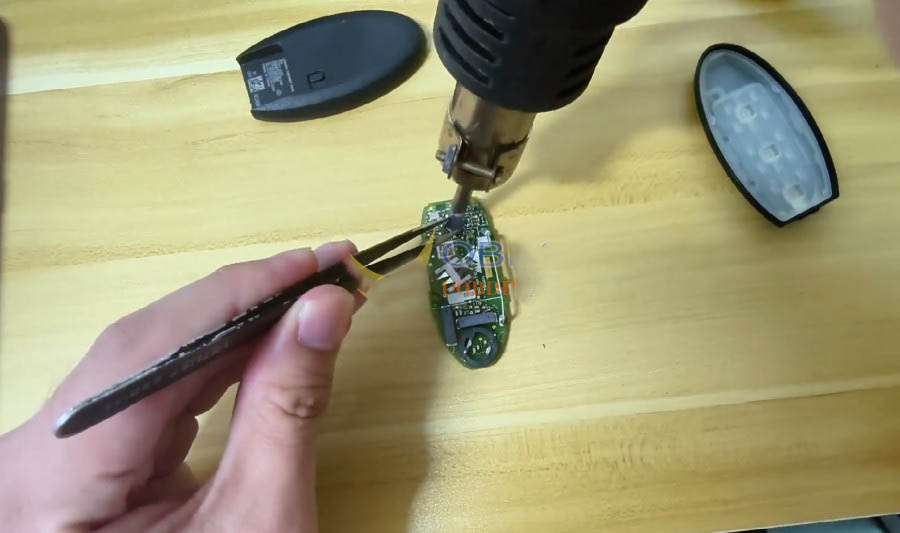
2. Solder to Adapter: Place the removed chip onto the KD #13 NCF29xx adapter board and solder it in place. Connect this board to the KD-X4.
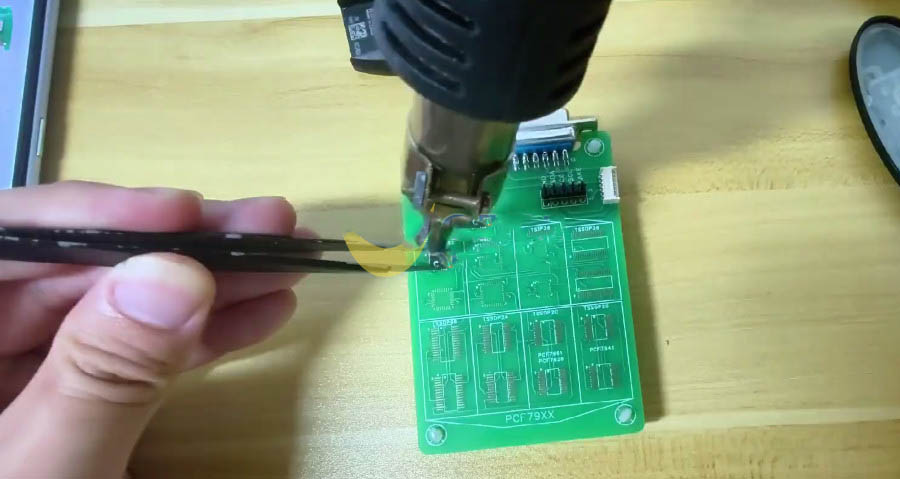
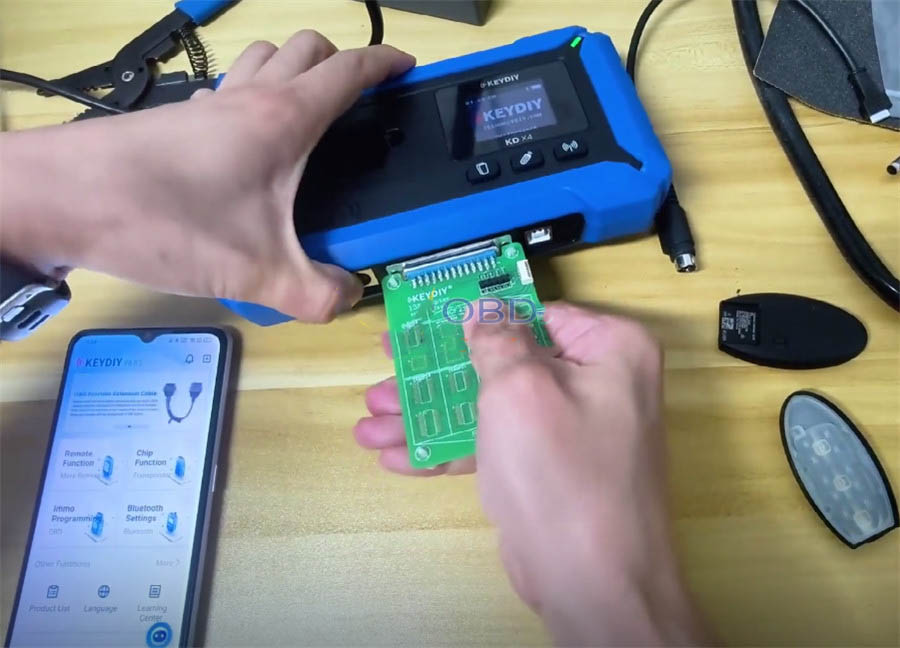
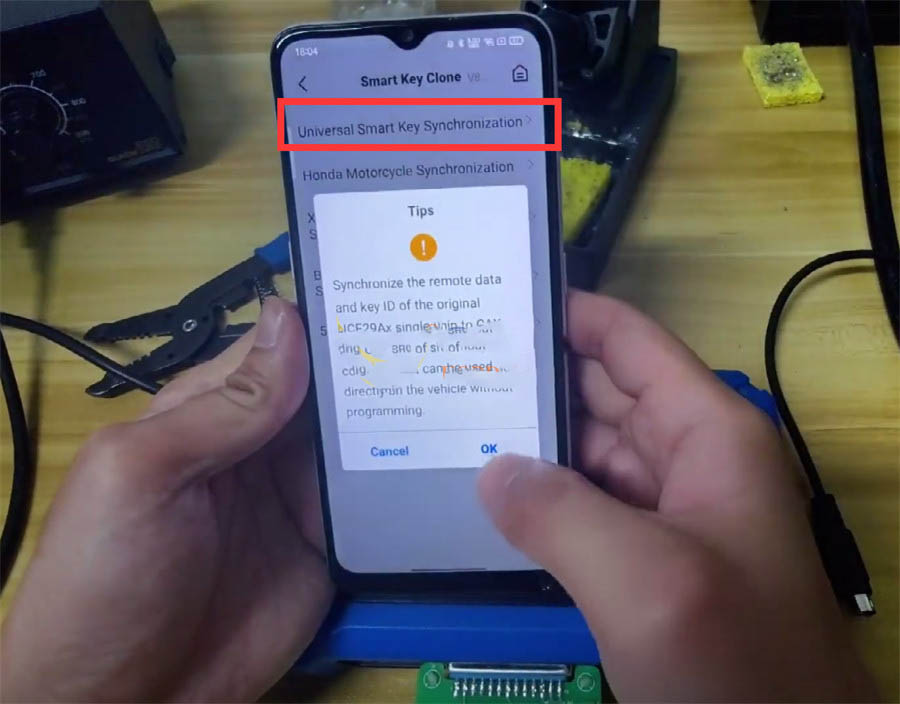
3. Read Data: Open the KD App and navigate to Remote Function → Smart Key Clone → Universal Smart Key Synchronization to read the chip data.
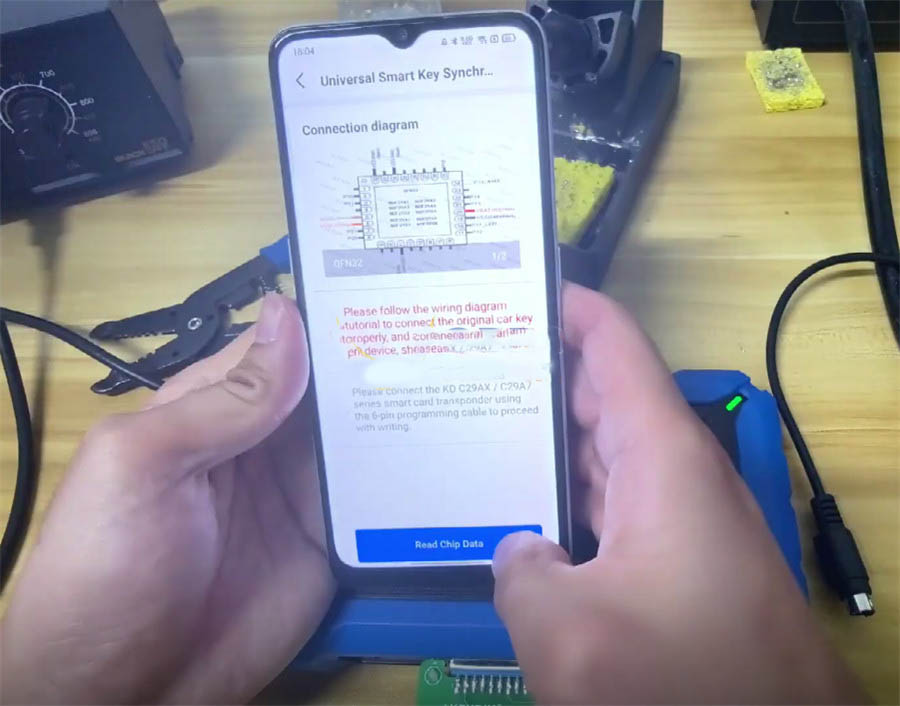
4. Write to New Remote: Remove the chip from the adapter, resolder it back to the original key, then use the 6-pin cable to write the data to a new KEYDIY ZB71 Smart Key.
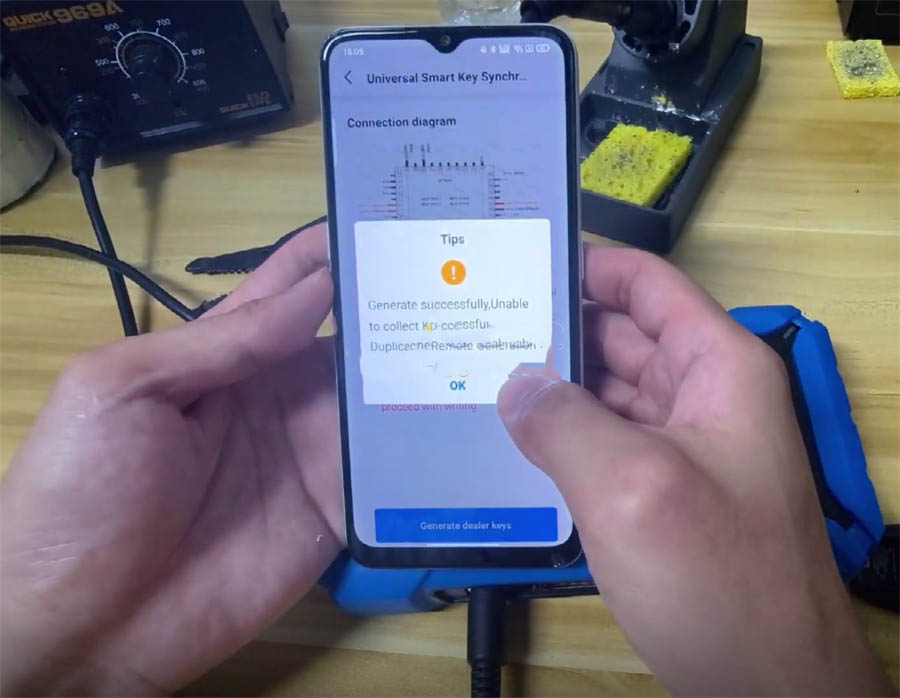
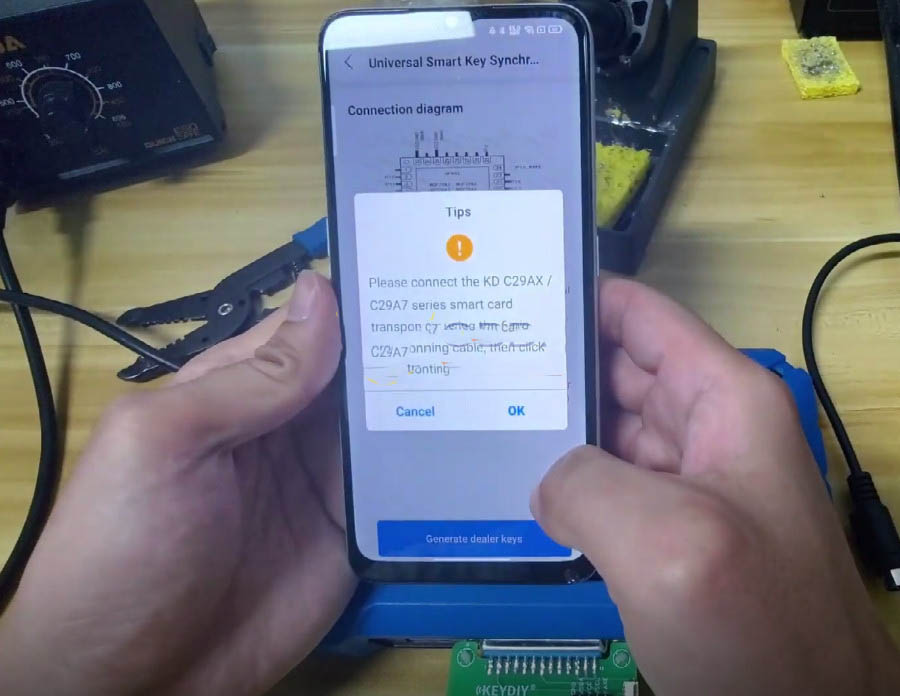
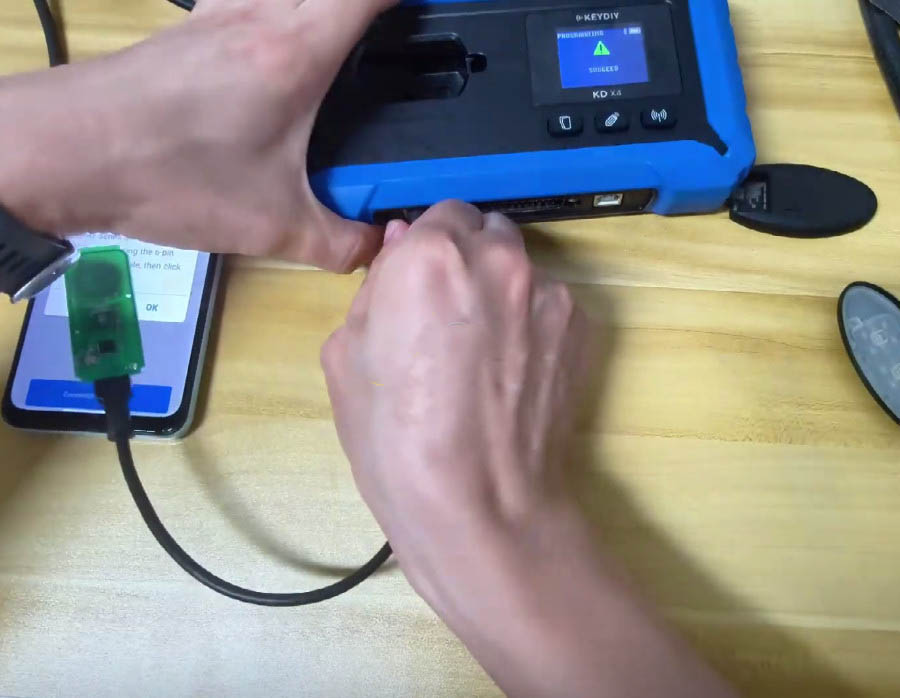
5. Finalize: Assemble the KD ZB71 remote shell. The key is ready to use without any further vehicle programming.
Method 2: Using CGDI K2 Smart Key Tool
The CGDI K2 method is generally preferred by locksmiths who want to avoid the risk of soldering on expensive OEM keys.
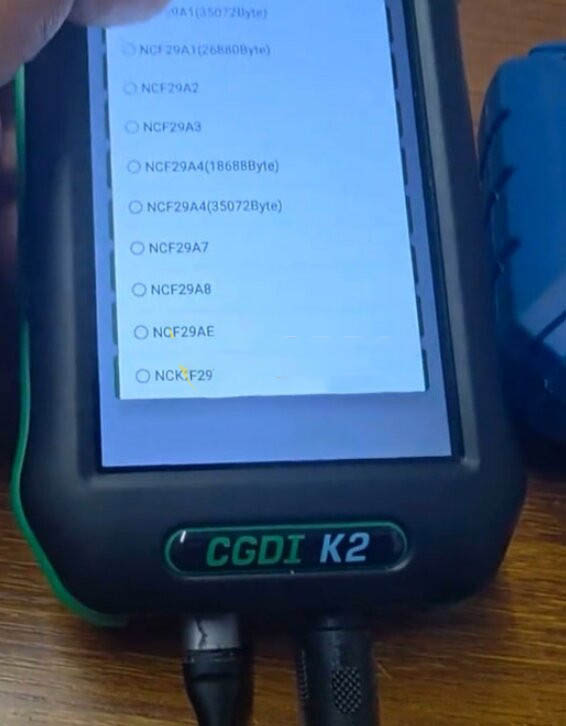
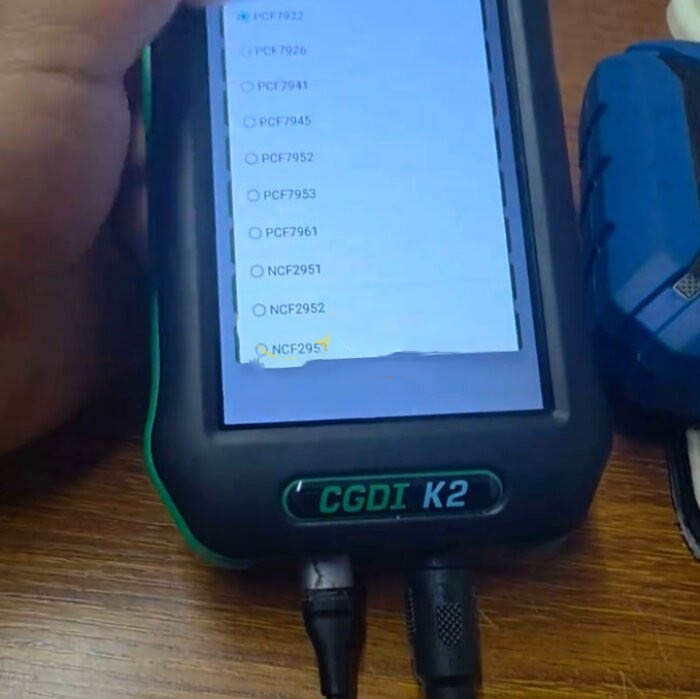
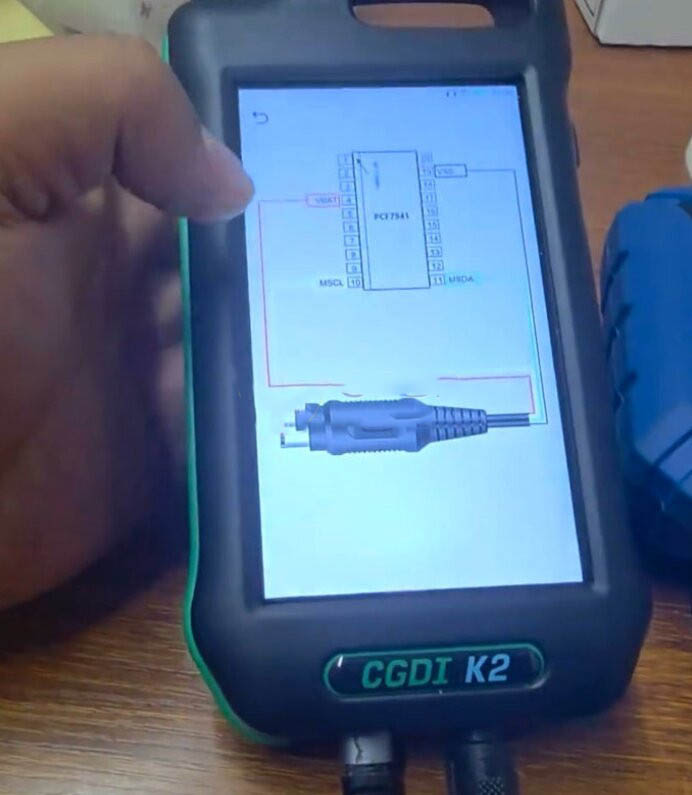
1. Connect Wires: Navigate to the NCF29Ax function in the K2 menu (under MCU Programmer). The device displays a specific wiring diagram for the key model you are working on.
2. Attach Leads: Use the standard "Remote Renew Cable" that comes with the K2. Connect the clips or probes to the specific test points on the original key's circuit board as shown in the diagram. No chip removal is required.
3. Read Data: The CGDI K2 reads the encrypted data directly from the chip while it is still soldered to the board.
4. Write to New Key: Use the read data to program a new smart key.
Which One Should You Choose?
Choose KEYDIY KD-X4 if:
- You are experienced in micro-soldering and confident in removing small IC chips without damaging them.
- You prefer to use the KD ecosystem of remotes (ZB series).
- You need to work on specific chips like NCF29A2 or NCF2954 which are highlighted in their documentation.
Choose CGDI K2 if:
- You want to avoid the risk of damaging the customer's original key.
- You prefer a faster, cleaner workflow that does not require a soldering iron.
- You already own a CGDI K2 and want to take advantage of the free V5.8.0 software update.
- You need to read chips like the NCF2951 or NCF2971.
Conclusion: Risk vs. Cost
Both tools successfully add NCF29Ax smart keys without needing to go near the car (bench work). The main trade-off is between risk and ecosystem preference.
The CGDI K2 offers a lower-risk solution because it does not require heating the customer's original chip. It uses a wiring diagram to connect probes to the board, preserving the integrity of the original key.
The KD-X4 requires you to remove the chip completely. This is riskier if you lack the right skills or equipment, but it remains a proven method used by many professionals within the KD ecosystem.
Recent Comment
Mike
May 3, 2026I've been using KD-X4 for two years and I'm comfortable with soldering, so the chip removal method doesn't scare me. The new NCF29Ax support worked perfectly on a VW ID.4 – just followed the steps and the ZB71 remote fired right up. But I get why people prefer the K2; my buddy ruined a BMW key trying to desolder without a hot air station. One thing the article didn't emphasize enough: the cost of ZB71 remotes adds up if you do high volume. For me, I'll stick with KD for now because I'm invested in their ecosystem, but the K2 wire method is tempting.
AndyTech_Locksmith
May 3, 2026Soldering that tiny NCF chip is nerve-wracking, especially when it's a customer's only key. The wiring diagram on the K2 was accurate and the whole read-write process took maybe 5 minutes. That said, I still use my KD-X4 for older 5C/5D jobs because I trust the ZB71 remotes. If you're not confident with micro-soldering, go with CGDI. Great comparison, thanks for posting this.