
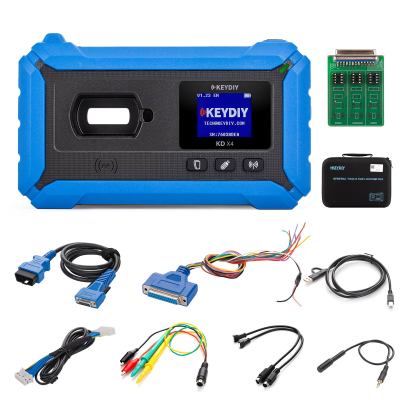
Using the advanced Keydiy KD-X4 key programmer, you can seamlessly align a new remote with your vehicle’s original immobilizer system. The process involves retrieving the unique ID from the factory key and transferring it to a compatible Keydiy remote. Below is a detailed, step-by-step walkthrough.
Step 1: Extract Data from the Original Factory Key
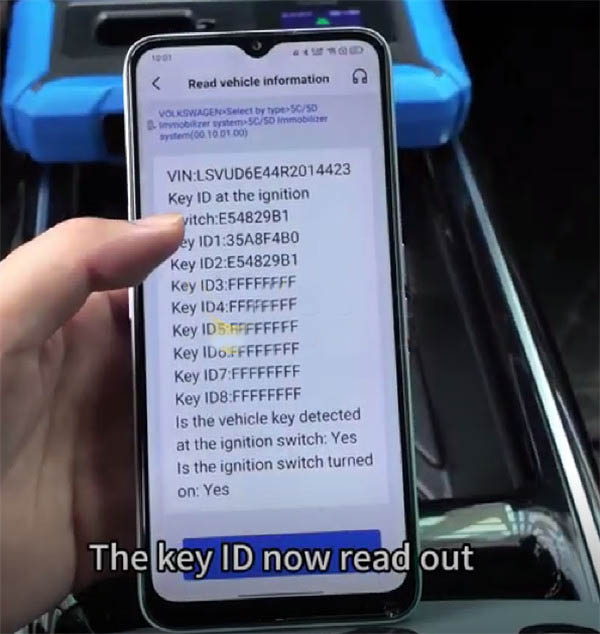
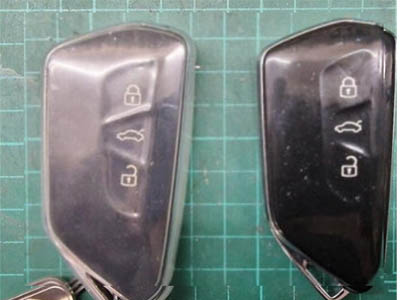
Begin by carefully disassembling the original key to access its internal chip data and generate a service code. The Keydiy interface will display two potential Key IDs. Place the original key on the KD-X4’s induction coil to identify which ID corresponds to your factory key.
Step 2: Prepare the Keydiy Remote for Programming
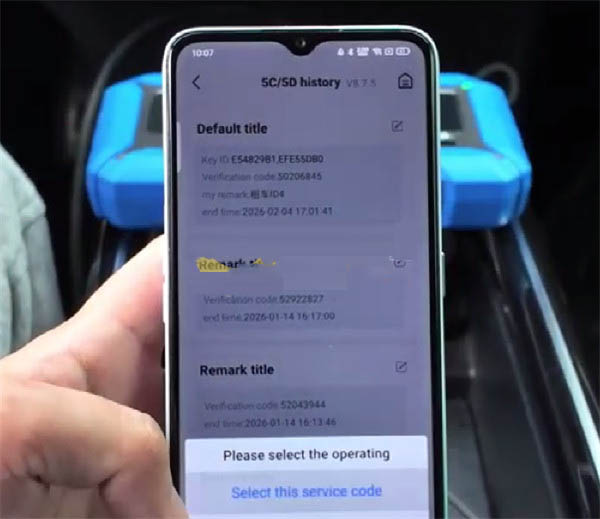
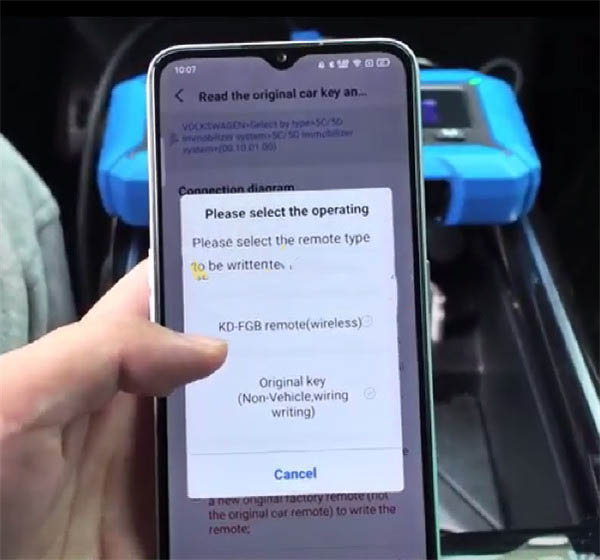
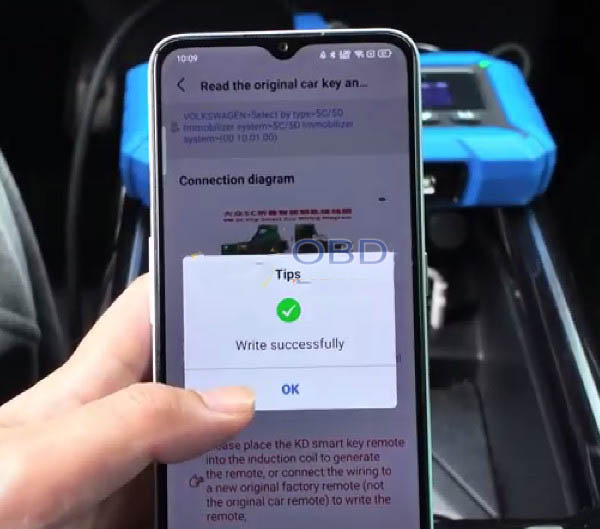
Keep in mind that ID modification is only supported on Keydiy-branded remotes. On the KD-X4 programmer, navigate through the menu, select the appropriate Service Code you obtained, and choose the FGB remote option to generate a dealer key.
Step 3: Edit the Key ID on the New Keydiy Remote
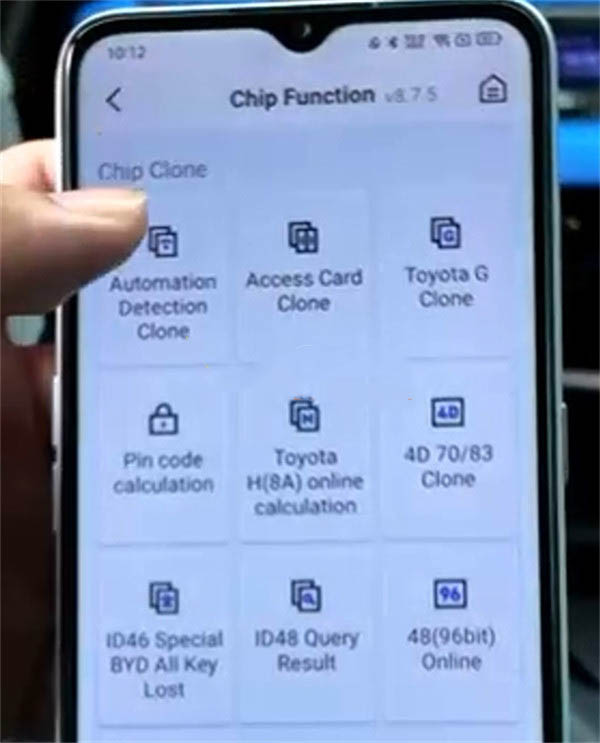
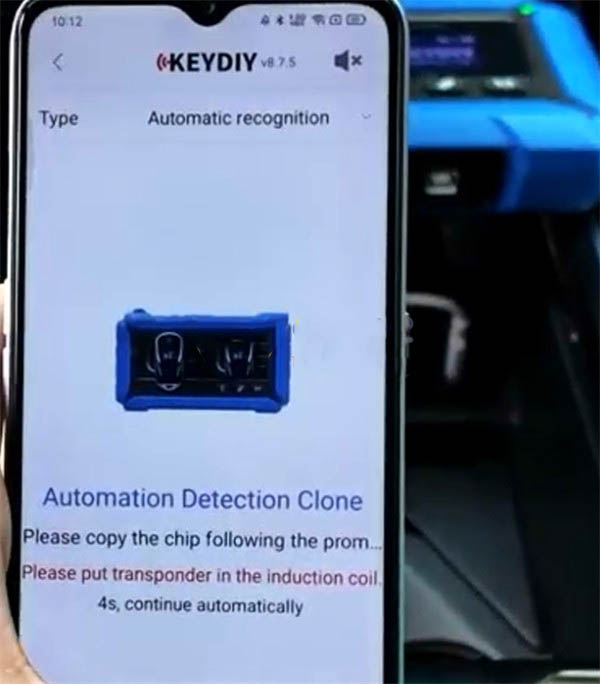
Access the Chip function and select “Automation detection clone”. Position the Keydiy FGB remote on the KD-X4’s induction coil to begin.
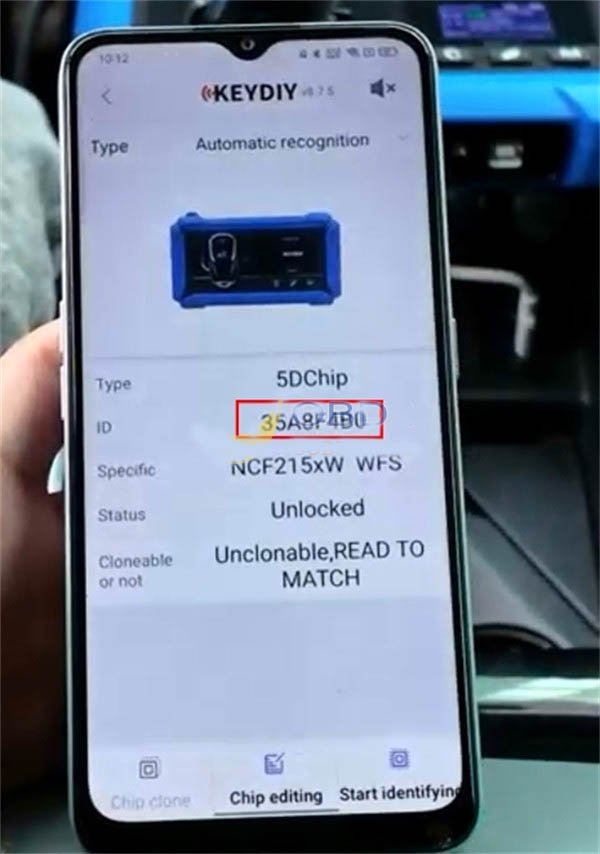
Tap “Start identifying” so the device can recognize the chip type and its current ID.
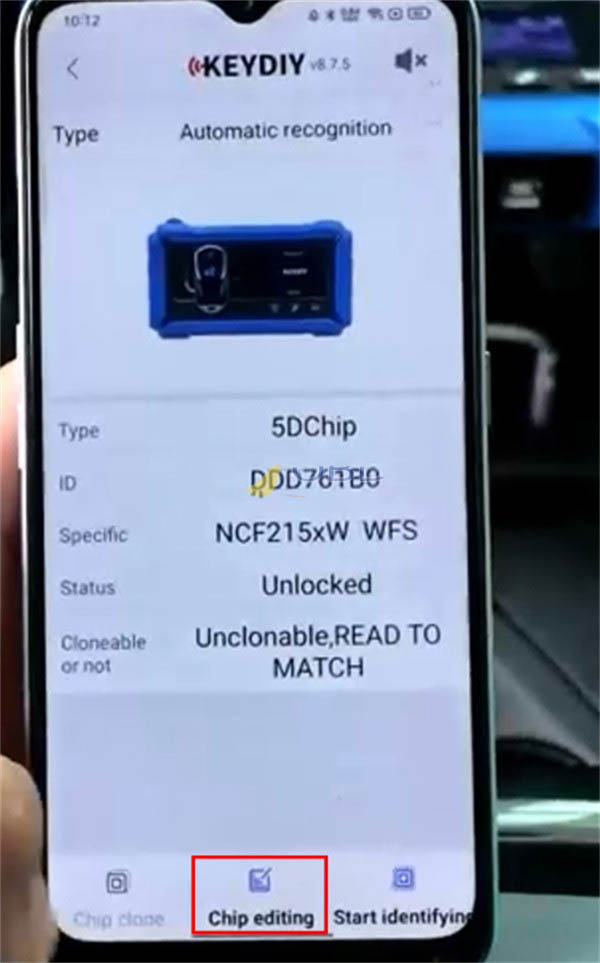
Select “Chip editing” to proceed.
Modify the ID displayed on the screen to match the original key ID you recorded in Step 1.
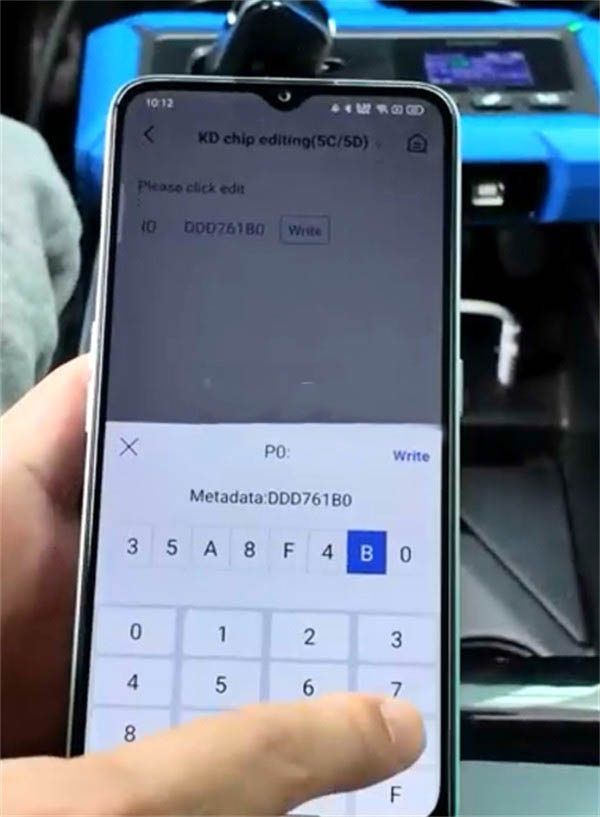
Finalize by writing the updated ID to the chip. A confirmation message will appear once the operation succeeds.
Step 4: Verify the ID Change
Run another identification process on the newly programmed remote. The system should now show that the Key ID has been successfully changed to match your original factory key.
Step 5: Complete Vehicle Programming
Once the Key ID is fully synchronized with the vehicle’s original system, you can proceed to teach the new key to the car using the standard programming sequence. The remote is now ready for regular use.

Recent Comment
Mike Z
May 3, 2026I just used this method to successfully match the keys of a 2019 Volkswagen Passat. The customer had lost one of their keys, and the 4S shop quoted an exorbitant price. So, I used the KD-X4 and followed the tutorial step by step. What I liked most was that the key worked directly after the ID modification, eliminating the need to go through the cumbersome matching process in the car. The Chip editing function in step 3 is crucial. I didn't pay attention to copying the original ID correctly the first time, and I had to start over again because I wrote it wrong. I suggest taking a photo of the original ID to avoid making mistakes. Overall, the tutorial is very clear, and the image annotations are intuitive to follow. I recommend it to colleagues who are new to the KD-X4.