
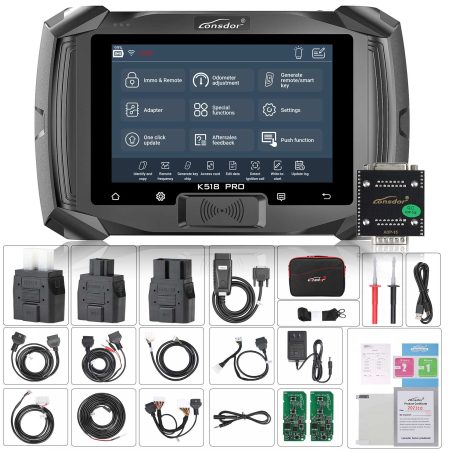
This comprehensive guide walks you through the entire process of programming replacement smart keys for a 2016 Lincoln MKX when none of the original keys are available. The procedure leverages the Lonsdor K518 Pro advanced key programming tool alongside the dedicated Ford AKL (All Keys Lost) bypass cable to overcome active alarm interference, pre-configure ID49 868MHz transponder chips, perform precise battery power cycles, and successfully adapt two fully functional keys to the vehicle’s immobilizer system. Whether you are a professional locksmith or a skilled DIY enthusiast, following these steps carefully will restore key functionality with minimal hassle.
Pre-Programming the ID49 Transponder Keys
Before connecting to the vehicle, you must prepare your blank smart keys using the Lonsdor K518 Pro’s built-in key generation function. This step ensures that each blank chip is correctly initialized with the appropriate Lincoln MKX firmware and frequency settings.
- Power on the Lonsdor K518 Pro and navigate to the main menu.
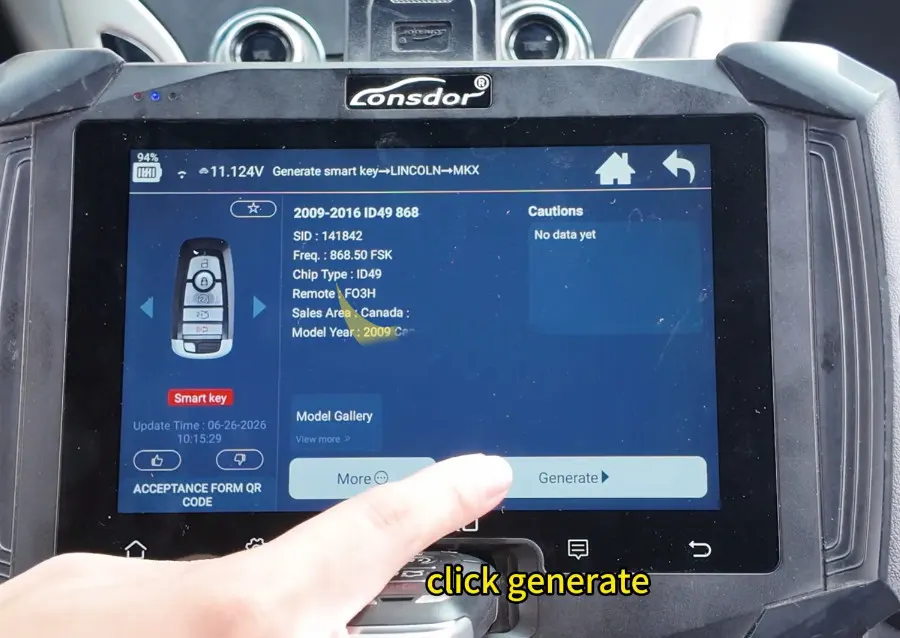
- Select Generate smart key → LINCOLN → MKX → 2009-2016 ID49 868.
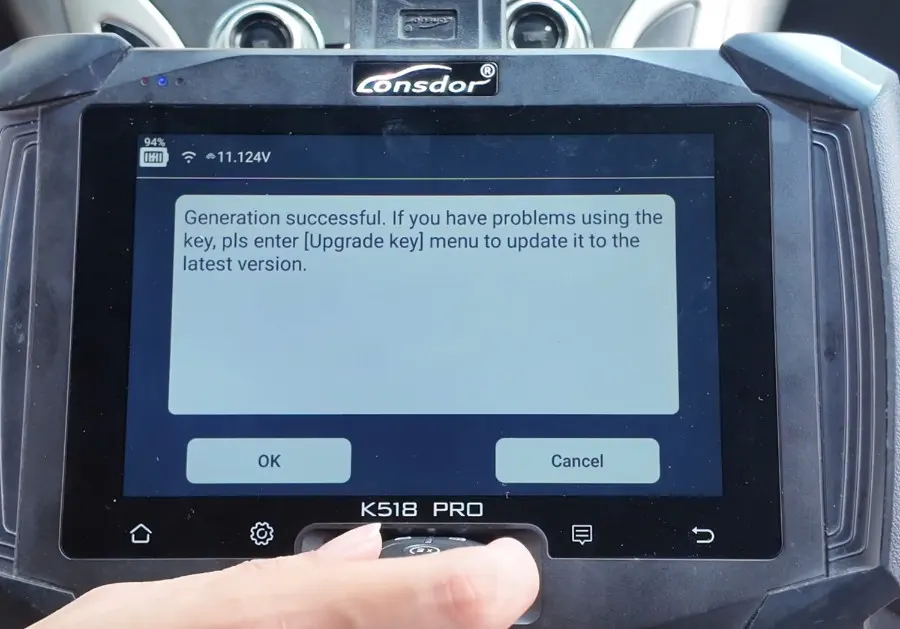
- Place your first blank key into the programming slot (ensure proper orientation) and tap Generate. Wait for the confirmation message that the key has been successfully pre-coded.
- Repeat the same process for the second blank key – remember, at least two registered keys are mandatory for Ford PATS (Passive Anti-Theft System) to finalize the learning sequence.
Connecting the Ford AKL Bypass Cable and IMMO Backup
With both keys pre-programmed, the next phase involves establishing a secure connection between the Lonsdor K518 Pro and the vehicle’s OBD system. The Ford AKL bypass cable is essential here because it temporarily overrides the alarm system that would otherwise trigger when the immobilizer data is accessed without a recognized key.
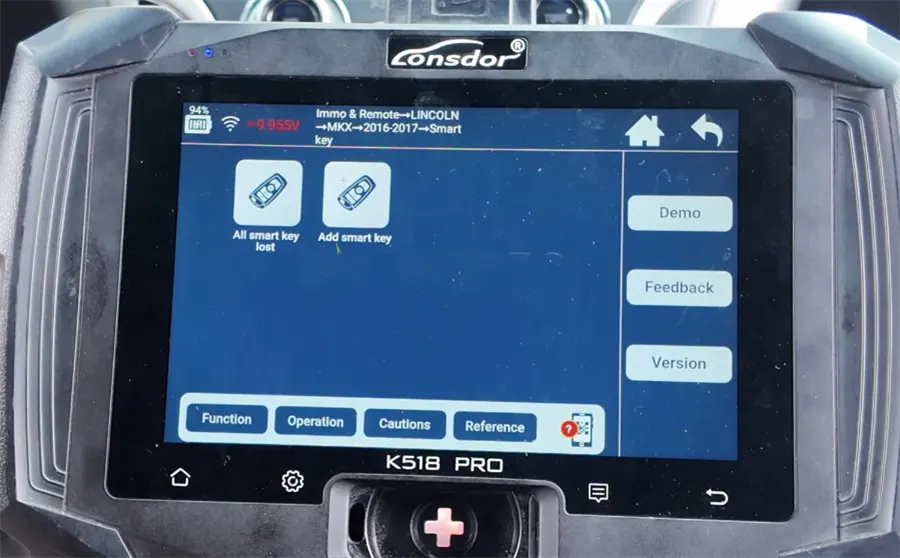
- From the device’s home screen, go to Immo & Remote → LINCOLN → MKX → 2016–2017 → Smart Key → All smart key lost. This selects the correct protocol for your vehicle.
- Turn the ignition completely off. Then, open and close the driver’s door once – this resets the body control module and prepares it for the bypass procedure.
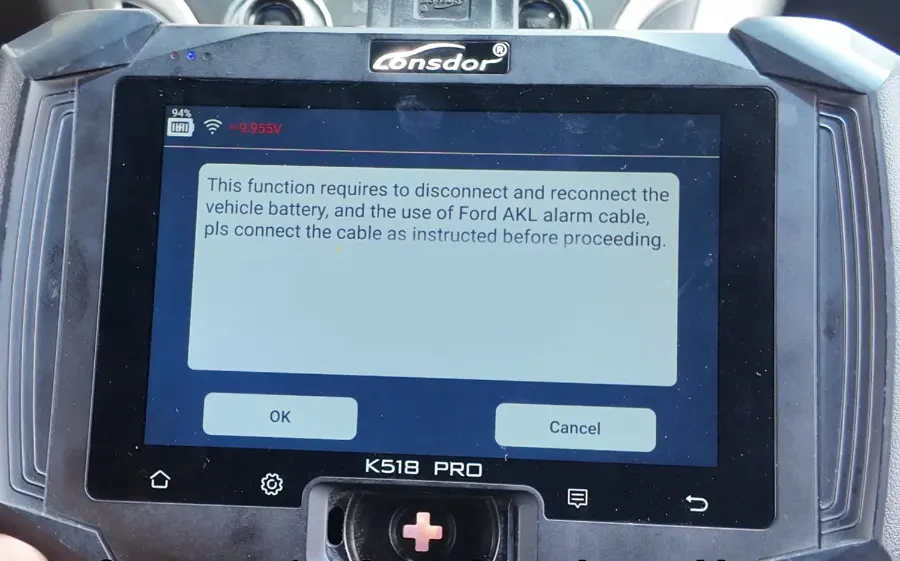
- Connect the Lonsdor Ford AKL Cable exactly as shown in the wiring diagram (refer to the on-screen prompts). Plug the K518 Pro main unit into the vehicle’s OBD-II diagnostic port located under the dashboard.
- Disconnect the negative battery terminal from the vehicle’s battery. Wait for the screen to display the next instruction, then reconnect the terminal. This power cycle helps clear residual memory and prevents active alarm interference.
- Allow the tool to complete the IMMO data backup – this process reads and stores the current immobilizer configuration. Once finished, disconnect the Ford bypass cable and restore the original factory wiring harness connection.
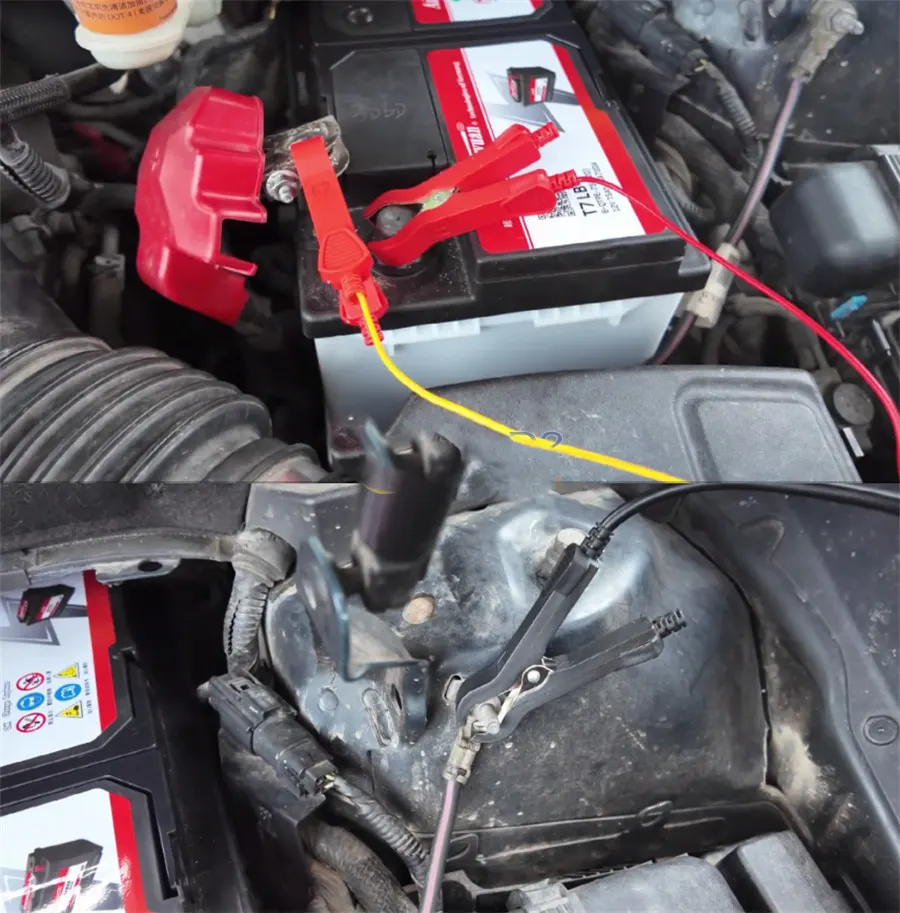
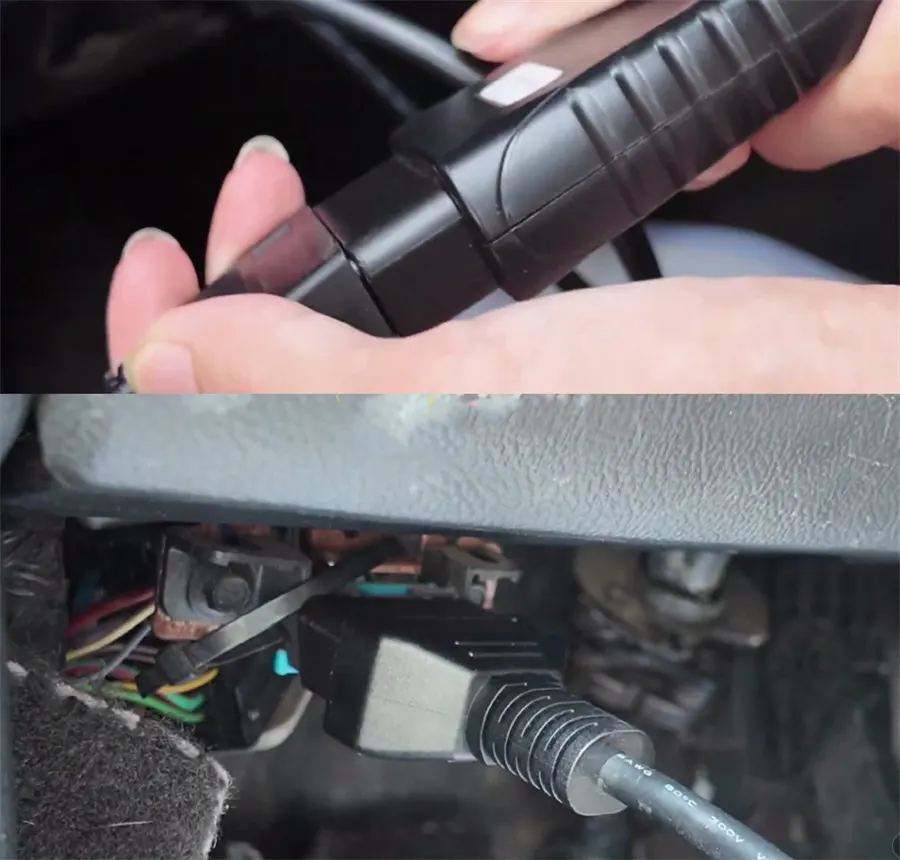
(Image 7 shows the battery terminal disconnection step.)
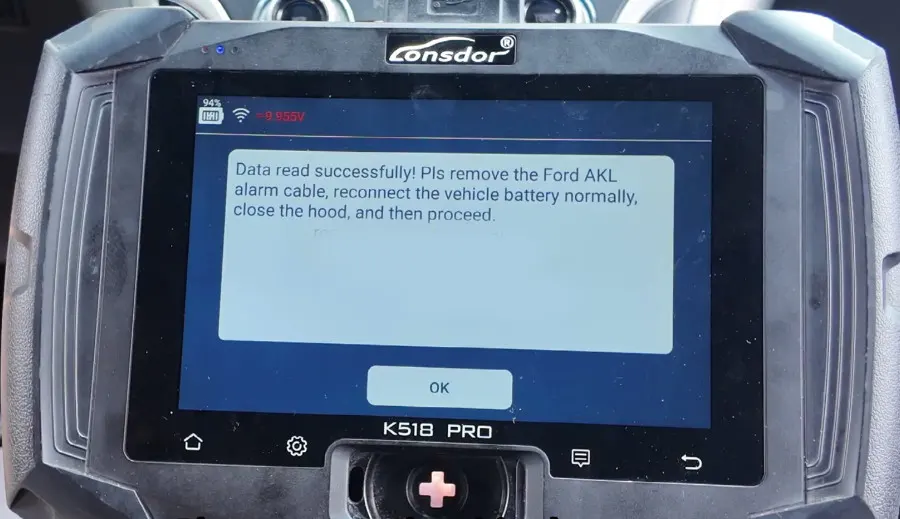
Security Timer and Key Learning Sequence
After the wiring harness is restored, confirm this on the Lonsdor screen. The device will then initiate a mandatory security calculation timer that lasts approximately 10 minutes. This waiting period is a factory anti-theft measure that erases all previously registered key IDs from the vehicle’s memory, allowing only the new keys to be programmed.
- Keep the vehicle battery connected to a stable charger during this countdown to avoid voltage drops that could interrupt the process.
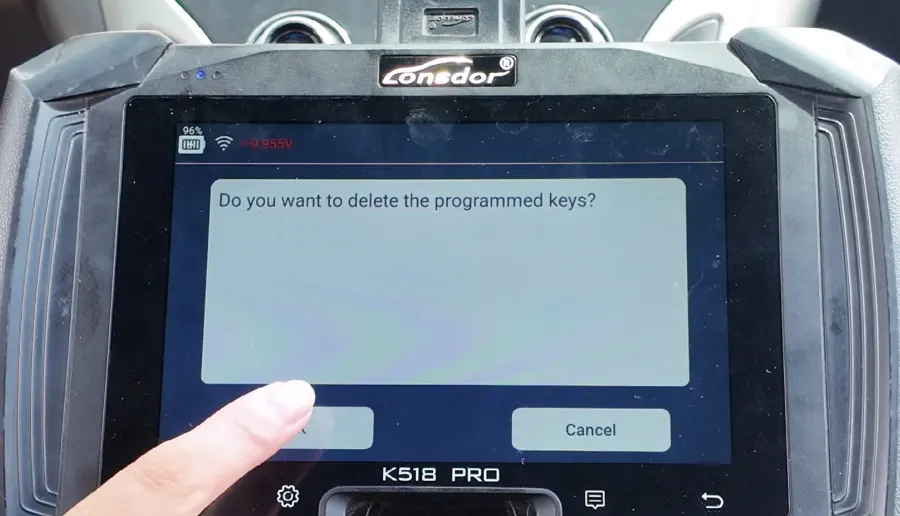
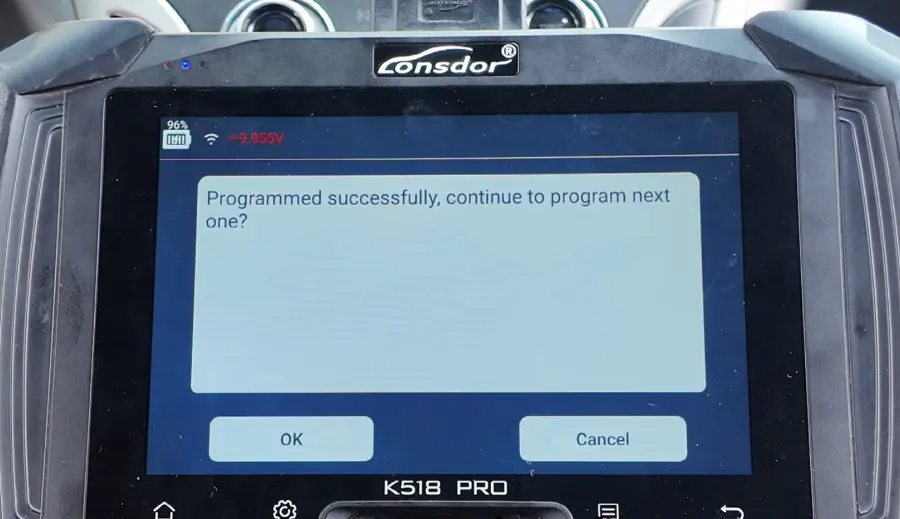
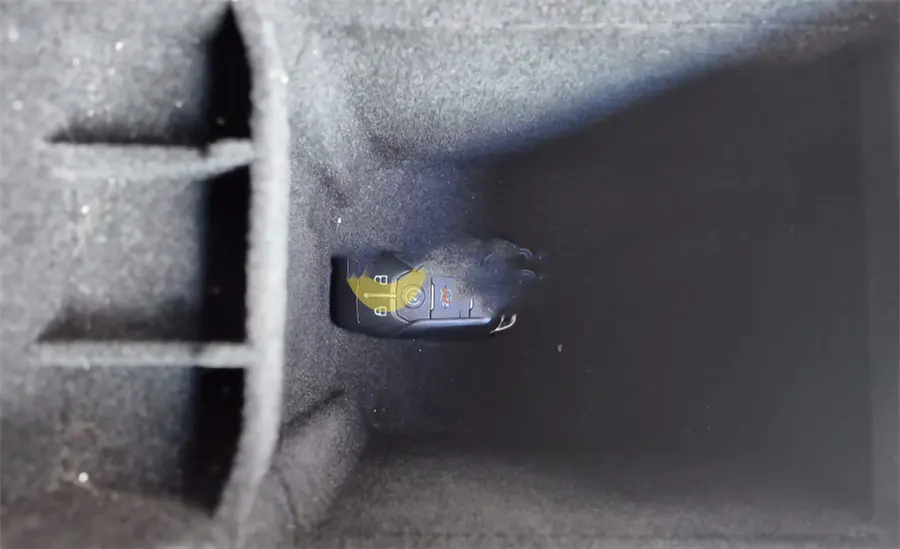
- Once the timer completes, the system will prompt you to insert Key 1 into the vehicle’s backup slot (usually located inside the center console or glovebox). Confirm programming when requested.
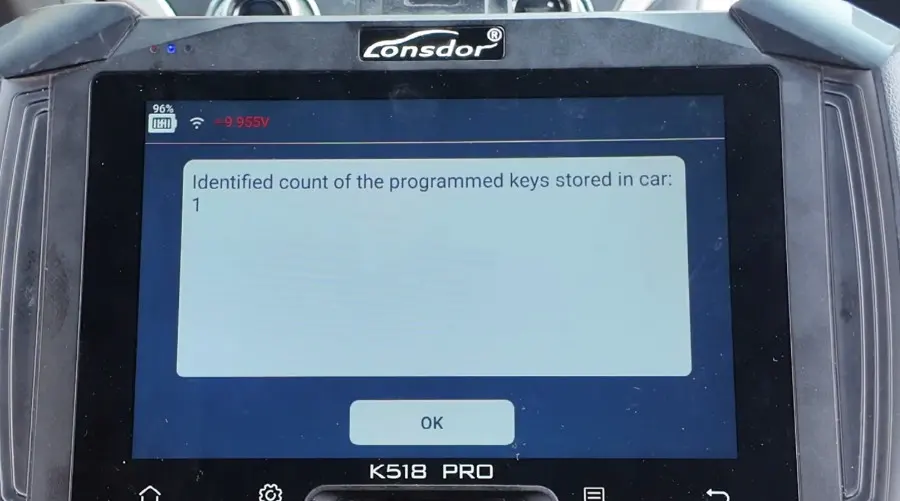
- Remove Key 1 and insert Key 2 into the same slot, then confirm again. The system will register both keys sequentially.
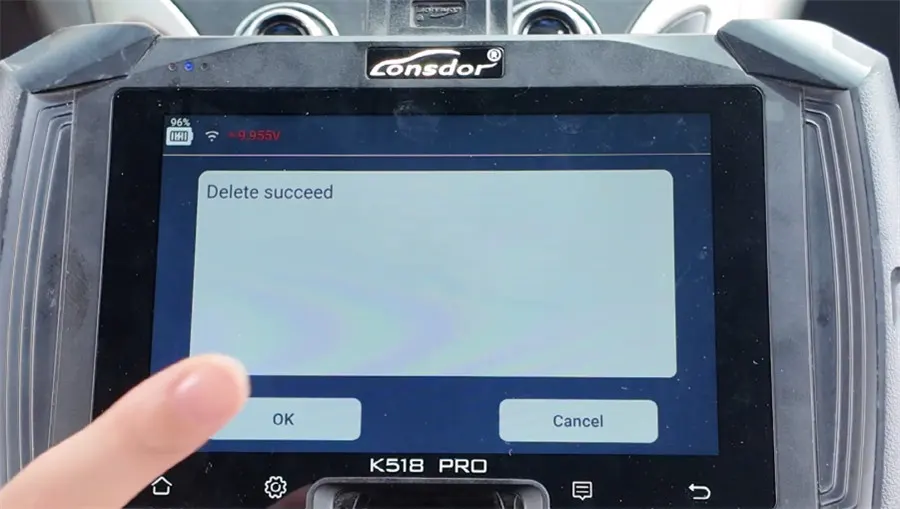
Final Verification and Practical Checklist
With both keys now registered, it is critical to validate that the programming was successful. Perform the following tests to ensure full functionality:
- Engine start: Insert each key (or place it in the backup slot if it's a proximity fob) and start the engine. Both keys should crank and run without any warning lights or anti-theft errors.
- Remote functions: Test the lock, unlock, and trunk release buttons on both key fobs from a reasonable distance. Confirm that the vehicle responds correctly.
- Passive entry: If equipped, check that the door handles respond to the key’s proximity signal.
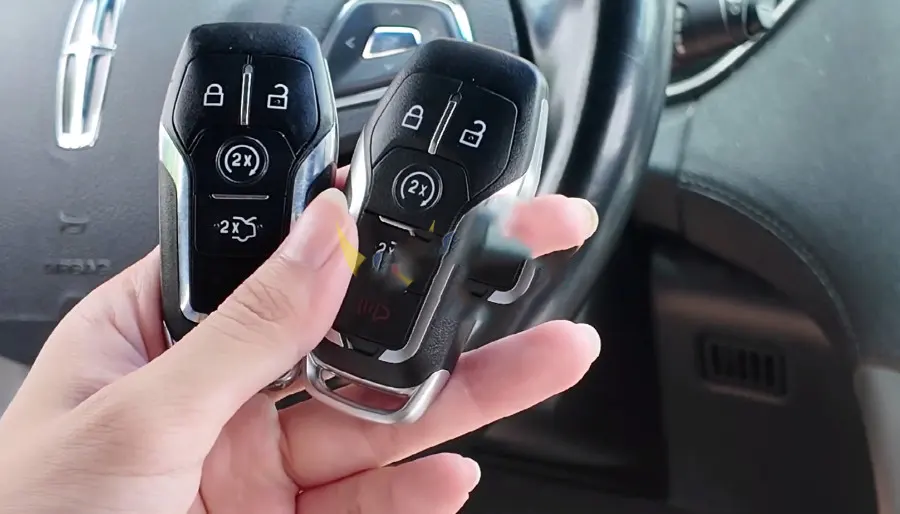
Important reminder: Always keep a battery charger connected during the 10-minute security timer to prevent power loss. Also note that Ford PATS (Passive Anti-Theft System) strictly requires at least two successfully registered keys to exit programming mode – if you only program one, the system will remain in learning mode and the vehicle may not start. Double-check that both keys are fully recognized before disconnecting the tool.
By following this structured approach, you can efficiently replace all lost smart keys for a 2016 Lincoln MKX without dealer intervention, saving both time and money while ensuring reliable, long-term operation.

Recent Comment